
Graphical Abstract Maker
Paste your abstract or drop in the paper PDF, and this graphical abstract maker pulls out the question, approach, key result and conclusion, lays them out as two to four illustrated panels in one consistent style, and gives you a figure where the title, captions, arrows and labels all stay editable before you export it.
The PDF is read in your browser and never uploaded. Check the text before planning.
What Is a Graphical Abstract Maker?
Many journals now show a single picture next to each article in their table of contents and search results. A graphical abstract maker builds that picture from your own text: it decides what each panel should show, draws the panels as one series, and arranges them with a title and a take-home line, instead of you assembling clip art in slide software for an afternoon.
What a Graphical Abstract Shows
A graphical abstract is a one-image summary of the main finding, read in a few seconds at thumbnail size. It usually follows the logic of the paper: the problem or system studied, what was done, what was found, and why it matters, moving left to right or top to bottom with very little text.
Graphical Abstract Maker AI That Reads Your Paper
The AI step only plans. It reads the abstract you provide and proposes a title, a short caption for each panel, what to draw and which labels to place, using your own terms and numbers. You edit that plan in plain text before anything is drawn, so nothing invented reaches the figure.
See the illustration engineGraphical Abstract for Journal Submissions
The wide layout uses the 5:2 shape that Elsevier asks for, whose minimum is 1328 × 531 pixels at 300 dpi; exporting at 2× gives 5000 × 2000 pixels. As a graphical abstract maker for research paper submissions it also offers square and tall layouts for journals and social posts that prefer other shapes, and every element can be resized in the editor to match a specific guide.
Graphical Abstract Examples
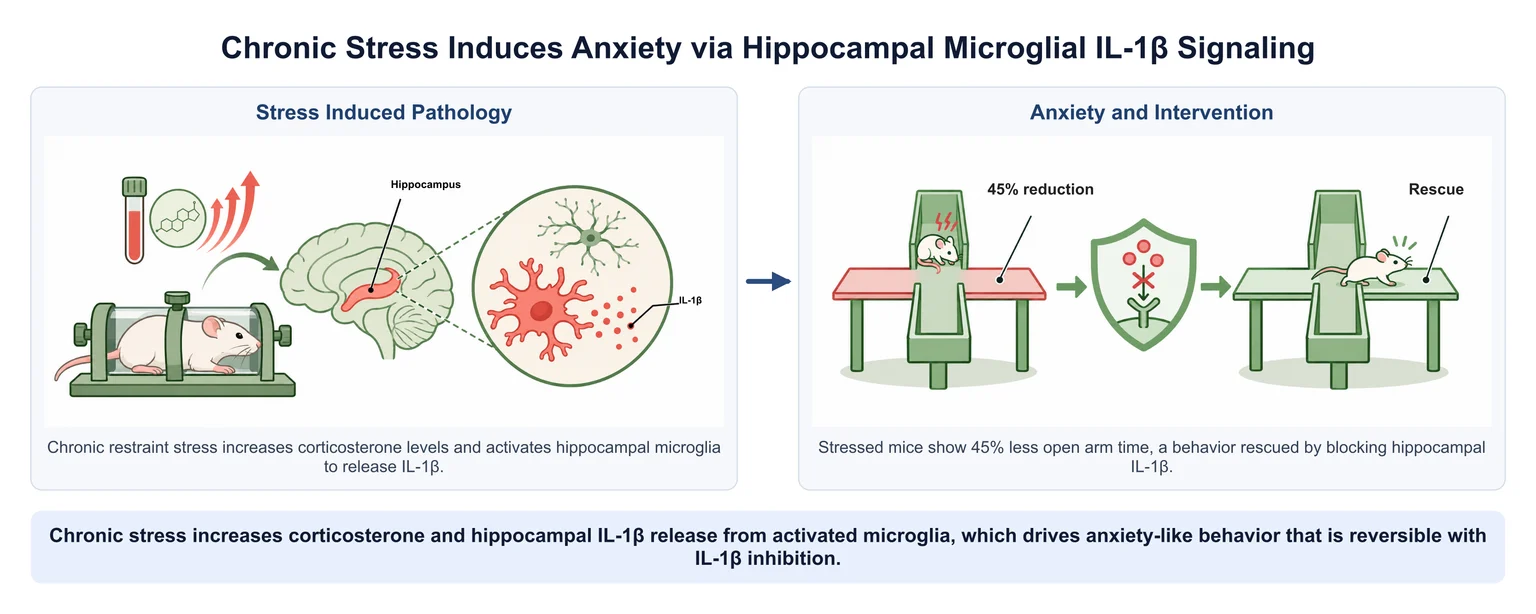
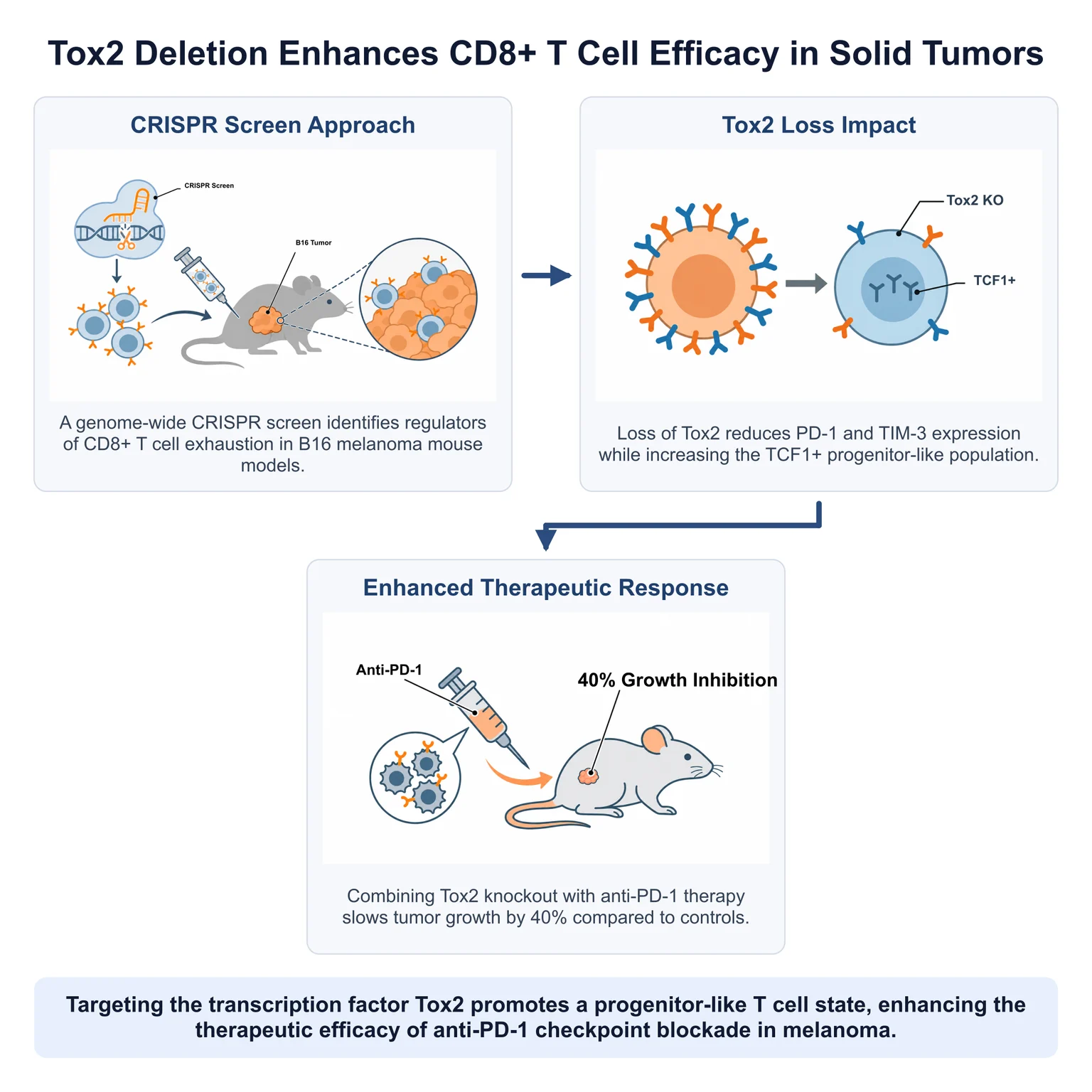
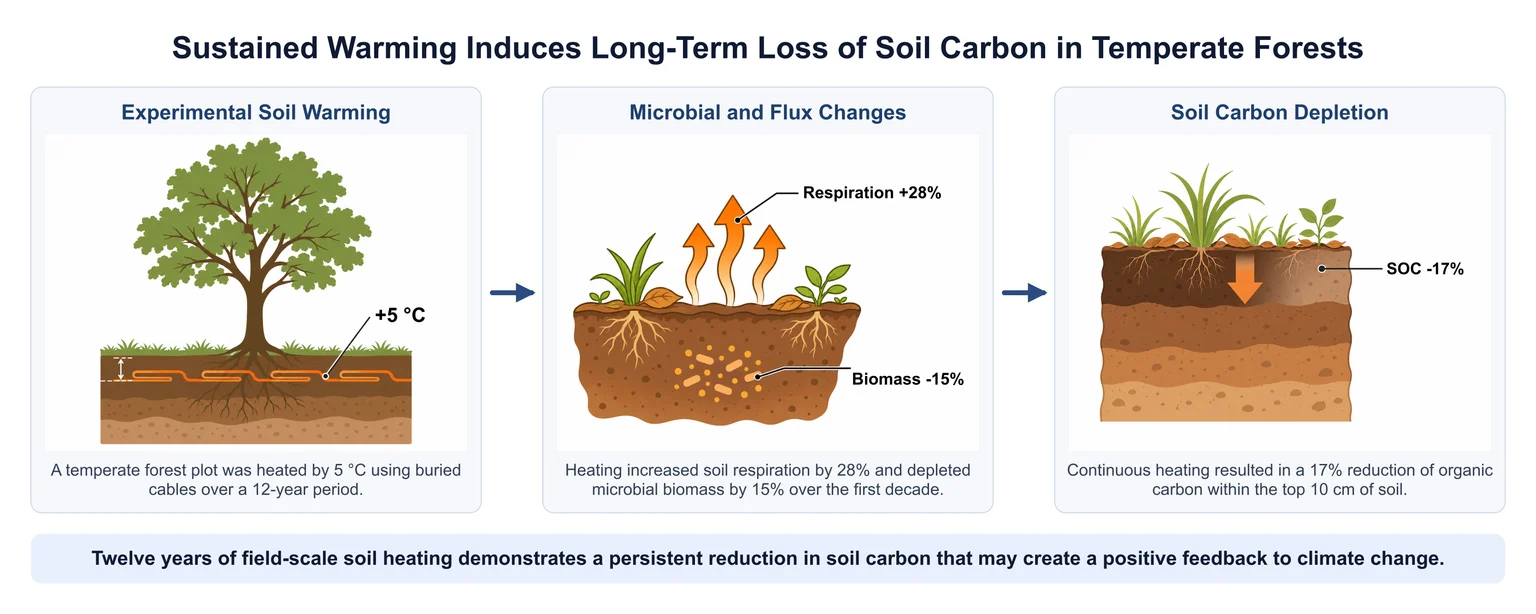
Each graphical abstract example below was generated by this tool from a short sample abstract written for the demo, not from a published paper. Titles, captions and labels are editable text.
Why Use Our Graphical Abstract Maker?
Generic design tools leave the hardest parts to you: deciding what to show, keeping several drawings in one style, and fixing a typo after the image is flattened. These are the parts this graphical abstract maker takes care of.
Free Graphical Abstract Maker to Start
Planning is always free, and the 100 credits that come with a new account pay for a complete three-panel abstract. Free-plan downloads carry a small corner watermark; any plan or credit pack removes it and adds a publication license certificate.
Compare plans and packsEvery Panel Stays Editable
Titles, captions, the take-home message and arrows are real text and shapes, and the labels inside each picture are separated from the drawing, so you can correct a gene name or a percentage in seconds. A panel that failed is refunded and left as a placeholder you can delete or replace.
Formats Journals and Slides Accept
Download PNG or JPG at 300 or 600 dpi for submission systems, SVG with the pictures embedded and the text as vector, or PPTX with editable text boxes, ready to drop into a talk or a conference poster.
Research Poster TemplateHow to Use It in 3 Steps
With this graphical abstract maker, going from abstract to a finished figure takes about five minutes, most of it waiting while the panels are drawn at the same time.
Paste Your Abstract or Upload the PDF
Paste the abstract, or choose the PDF and let the browser read the abstract from its first pages. Check the text, then pick two, three or four panels.
Pick a Layout and Generate
Choose wide, square or tall, review the free plan and the layout preview, change any wording, then generate. Each panel is drawn in the same style and placed automatically.
Edit and Export
Fix labels, move arrows or recolour with a journal palette in the editor, then download the format your journal or slide deck needs.
Graphical Abstract Maker FAQ
Related tools