
Research Poster Template
Download a free research poster template as a PowerPoint file, already set to a standard print size: 36 × 48 inches, A0 portrait or landscape, or A1. Each layout has a title band, sections with guidance text, figure boxes and logo spaces, with font sizes chosen for reading at one to two metres. No account is needed to download.
Research Poster Template Gallery
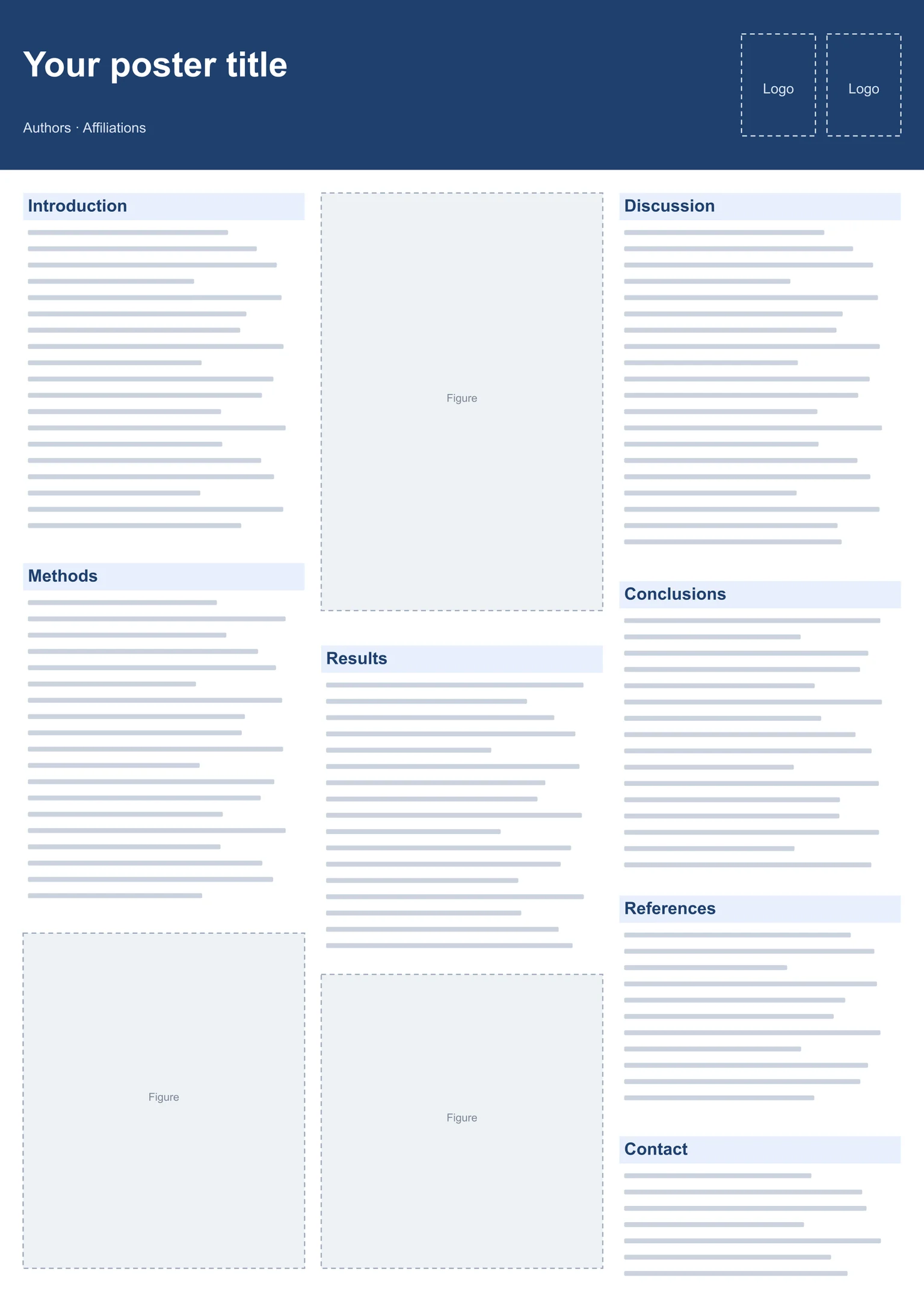
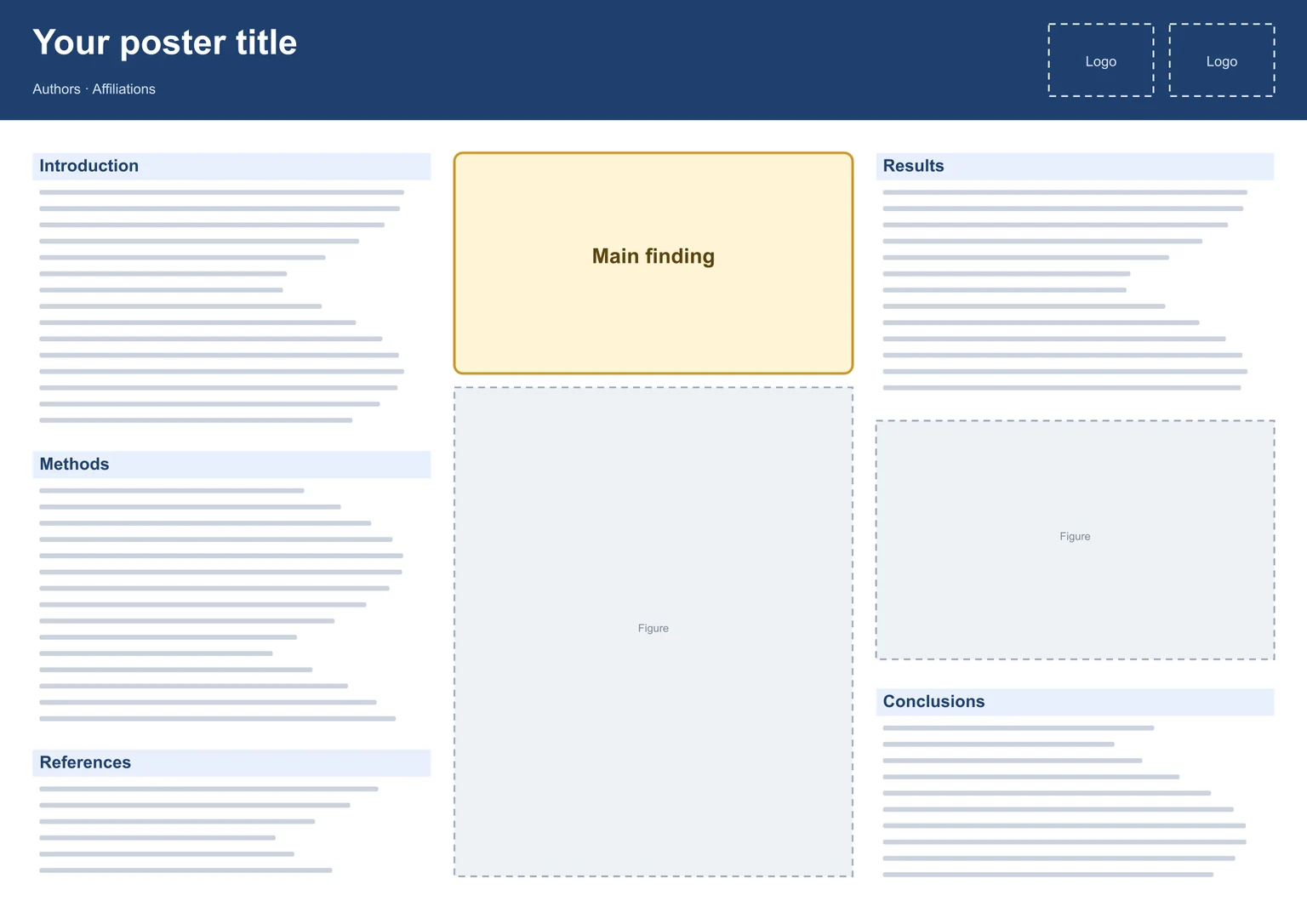
Every layout below is our own design, built at full print size so nothing needs rescaling. Pick the one that matches the size your conference asks for and the story you want to tell, then replace the placeholder text and figure boxes with your content.
Scientific Poster Template for Lab Results
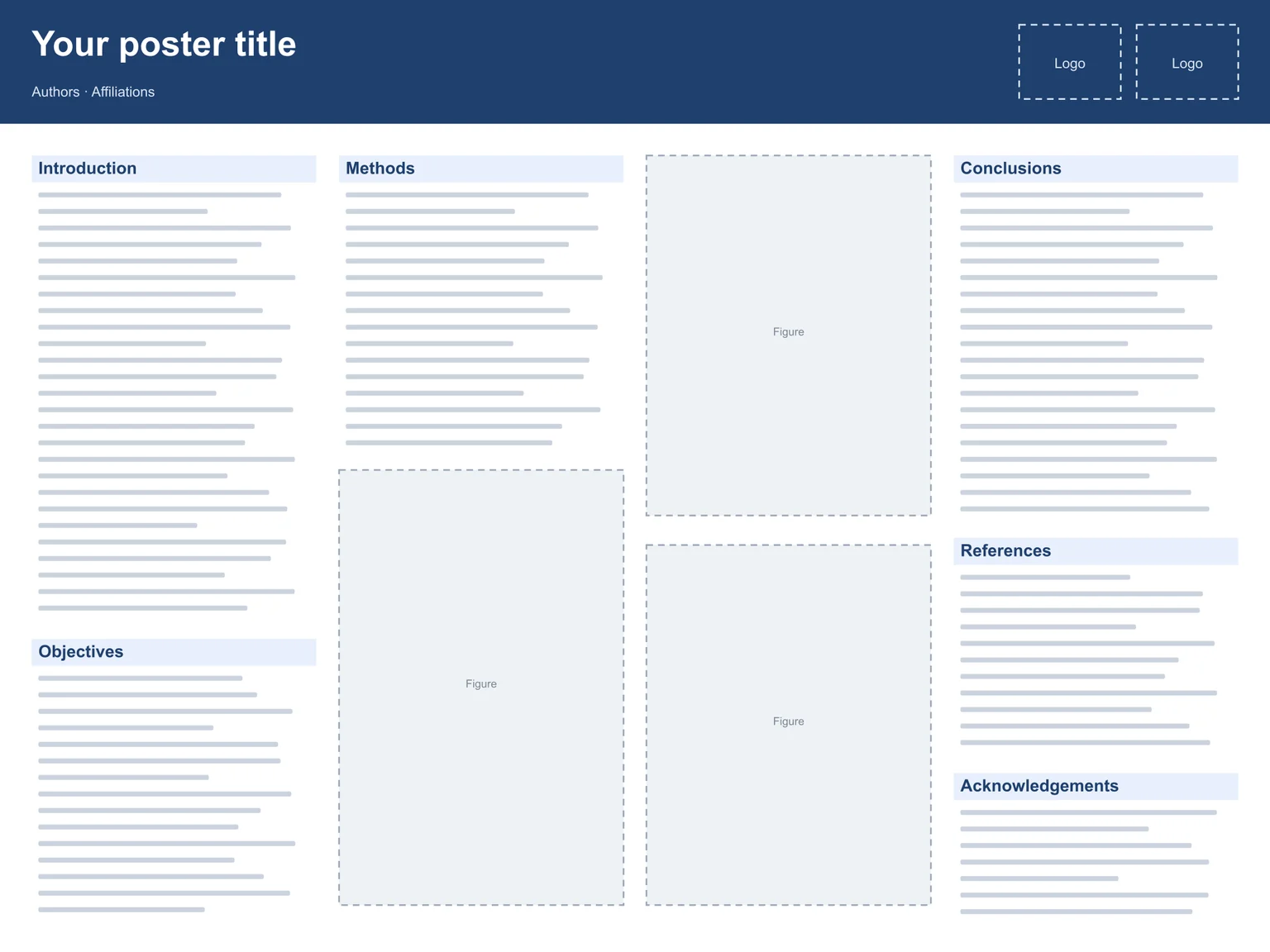
The 36 × 48 inch landscape scientific poster template gives results two full figure slots in the middle, which suits experimental work where the data carry the story.
Academic Poster Template for Thesis and Coursework
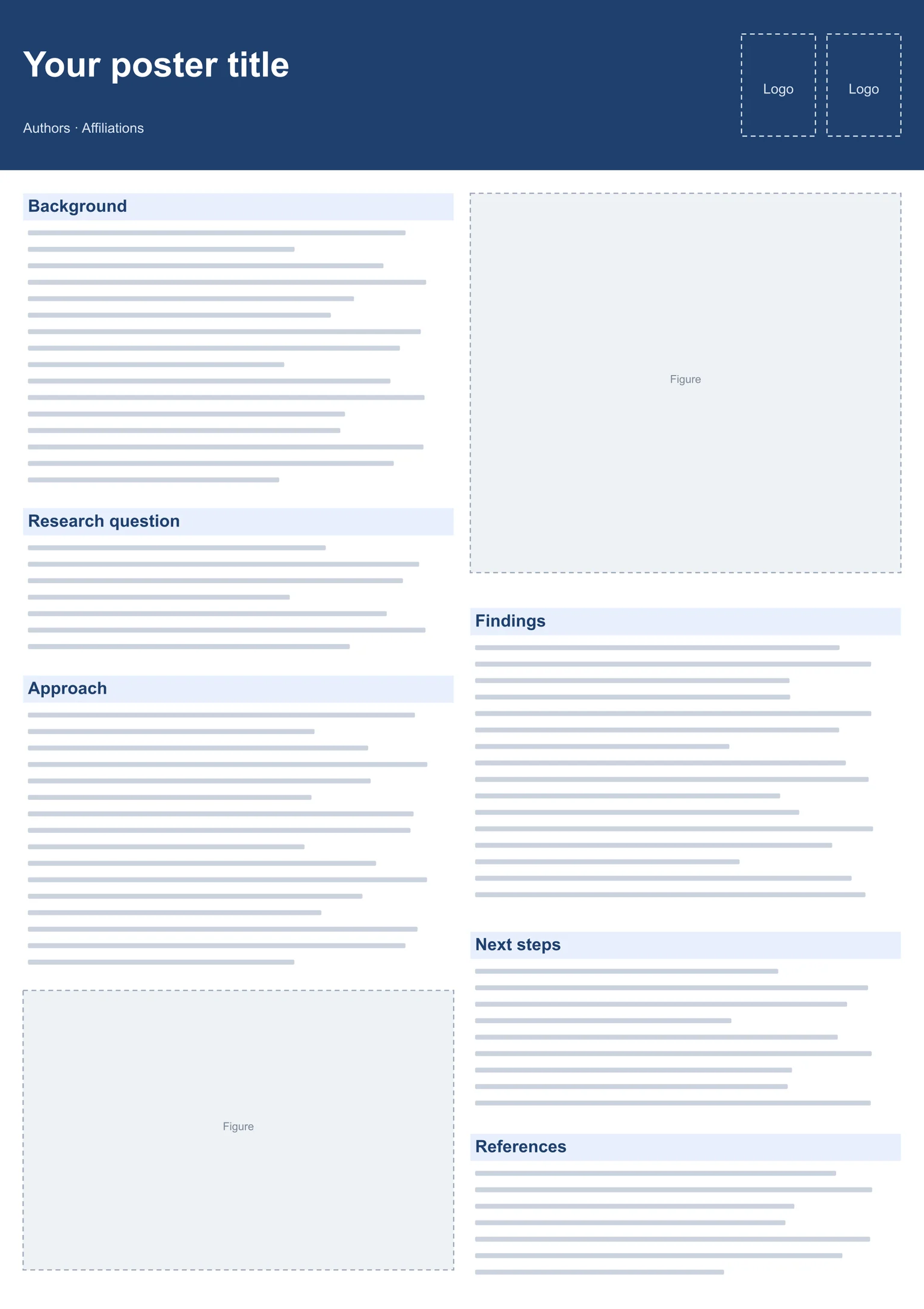
The A1 academic poster template keeps to two columns and fewer words, which is what most student symposia and course assessments expect from a research project poster template.
Conference Poster Template in Standard Sizes
Each conference poster template uses the exact sizes from our poster size guide, so you can print at 100% without margins being cut off. Check the guide if your meeting uses another format.
See standard poster sizesWhy Use Our Research Poster Template?
A good research poster template saves the hours spent fighting page setup and font sizes, and leaves the time for what matters: a clear message and good figures.
PowerPoint Research Poster Template You Can Edit
This PowerPoint research poster template uses only native text boxes and shapes, with no locked images or embedded fonts. Every heading, colour and box can be changed, and sections can be duplicated or deleted to fit your content.
Research Poster Template for Google Slides
Google Slides can open PowerPoint files: upload the PPTX to Google Drive and open it with Slides. After opening, check the page size under File › Page setup and that the Arial text kept its size before you export a PDF for printing.
Add Figures Made with AI
Fill the figure boxes with illustrations, mechanisms or a graphical abstract made here: export them as PNG at 300 dpi or as PPTX objects you can paste straight into the poster.
Make poster figuresHow to Make a Research Poster in 3 Steps
Using a poster template for research saves most of the layout work. Plan for a few focused sessions rather than one long night before the deadline.
Choose and Download a Template
Match the template to the required size and orientation, download the PPTX, and open it in PowerPoint, Keynote or Google Slides.
Replace the Placeholders
Write a title that states your main finding, cut each section to a few lines, and put your figures into the dashed boxes; delete any box you do not need.
Proof and Print
Print a small proof on A4 or letter paper to check spacing, export a PDF, and send it to the printer a few days before the conference.
Research Poster Template FAQ
Related tools