
A1 Poster Template
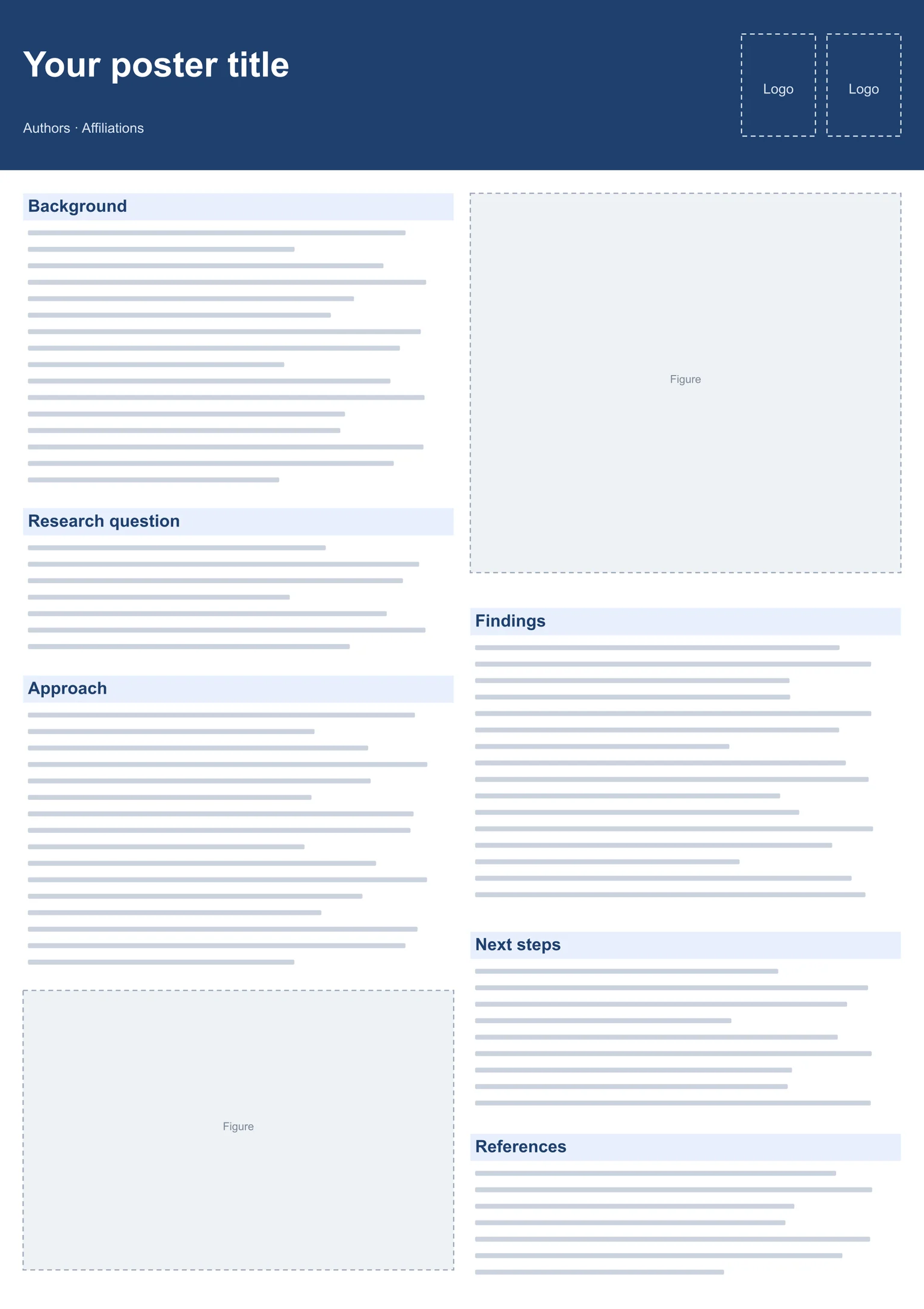
A free A1 poster template for PowerPoint, set to the exact A1 size of 594 × 841 mm in portrait. It suits thesis and coursework posters and conferences with smaller boards, with a title band, two columns of guidance text and figure boxes ready for your content.
Exact print size
594 × 841 mm
59.4 × 84.1 cm · 23.4 × 33.1 in
- 150 dpi
- 3,508 × 4,967 px
- 300 dpi
- 7,016 × 9,933 px
Suggested font sizes
- Title51–78 pt
- Section headings25–38 pt
- Body text17–23 pt
- Captions and legends13–17 pt
What Is an A1 Poster Template?
A1 has half the area of A0, so it needs fewer words and smaller type than an A0 poster.
A1 PowerPoint Poster Template Setup
Open the template and check Design › Slide Size › Custom Slide Size: 59.4 × 84.1 cm. For landscape, swap the two values before you add content. Save a fresh copy with those dimensions before changing any objects. If you adapt the PowerPoint layout for a project with several contributors, agree on which column each person can edit and proof the final file after merging the changes.
Academic Poster SizeCanva A1 Research Poster Template Import
Upload the PPTX, confirm the page is still 594 × 841 mm and download a print-quality PDF. Check the title block and figure captions immediately after the import. The title band on the supplied portrait slide has room for authors and affiliations, but longer names can wrap on a different line if the editor substitutes a font.
Research Poster TemplateWhat Size Is A1 Poster Artwork in Pixels?
An A1 page is about 3,508 × 4,967 px at 150 dpi and 7,016 × 9,933 px at 300 dpi. Photos need roughly 150–300 dpi at printed size; keep charts as vectors. Those figures describe a raster image that fills the page. A photo inside a single column needs pixels for its placed width only, so review each image at print scale. Keep editable chart text or vector artwork when the file format allows it.
Image DPI CheckerWhy Use Our A1 Poster Template?
The template uses two columns because three columns on 594 mm become too narrow for readable text. Keep each column to one idea per block.
A1 Portrait Poster Template Reading Order
Background and question on the left, approach and findings on the right, with a short next-steps box at the bottom. Give the reader a clear starting point with the question near the top. In the narrower portrait layout, a single full-width headline can tie the two columns together, while short headings give readers places to stop and resume.
Research Poster ExamplesA1 Research Poster Template for Shorter Studies
Aim for about 300–500 words and two or three figures. If your A0 poster needs to shrink to A1, cut text rather than reducing the font. Take a marked-up draft and highlight the finding you need visitors to remember. Put the figure that supports it in the largest available box, then cut any sentence that repeats the caption or discusses a result you left off the page.
References on a PosterA1 Poster Presentation Template Font Sizes
Title 51–78 pt, headings 25–38 pt, body text 17–23 pt and captions 13–17 pt: the A0 ranges scaled to half the area. Try the longest section heading and the smallest figure label on a test print. If either is hard to read, shorten the heading or open up space for the figure before shrinking all of the type on the page.
Best Font for Scientific PosterHow to Use the A1 Poster Template in 3 Steps
Start with the portrait slide, work out the reading order and verify that the print shop receives the correct page size.
- 01
Download the A1 Portrait Poster Template
Download the PPTX; it opens in PowerPoint, Keynote, Google Slides and Canva. Review the preview and make sure your assignment or meeting asks for this orientation. Save the original as a reference, especially if you plan to move the title band or put supplementary notes below the primary result.
A0 Poster Template - 02
Edit Your A1 Poster Design Template
Type over the guidance text and drop your figures into the grey boxes. Keep the font sizes and shorten the text if it overflows. Fit the argument into two columns before styling individual boxes. Use the existing sections in the slide to separate the research question from the findings, and add a brief note below a figure if it needs context to stand alone.
Scientific Poster Maker - 03
Export the A1 Research Poster Template
Export a PDF at the A1 page size, check it at 100% zoom and send it to the printer. Look at the poster PDF on a different screen if possible, with special attention to symbols, line breaks and image edges. Tell the print shop the desired finished dimensions so it can confirm the file and order agree.
Academic Poster Size