
AI Scientific Image Generator
An AI scientific image generator built for research papers, posters and lectures. You describe the cell, molecule or process, approve the labels before drawing, and get an image whose text you can still edit. No garbled labels to paint over.
30 free credits when you sign up · No credit card
What Is an AI Scientific Image Generator?
Popular AI image tools are trained to look good, not to be correct. For a scientific image that is the wrong trade-off.
AI Image Generator for Scientific Papers and Editable Labels
Generated pictures can garble text. An AI scientific image generator should let you approve each label and edit it as text. Exact spelling can distinguish closely related proteins or structures. Check terminology in the plan and verify where each label points after generation.
Draft an editable scientific figureA Scientific AI Image Generator for Structures
Extra organelles or impossible anatomy slip in easily. Planning the elements first and checking labels afterwards keeps the drawing tied to your description. Specify the parts you expect to see and leave out details that are outside the subject of the image. This gives you a short checklist when comparing the drawing against a reference diagram.
Explore a labelled animal cell diagramAn AI Image Generator for Scientific Figures You Can Revise
A single bitmap cannot be fixed after review. Here labels and arrows stay separate objects you can edit. When a reviewer asks for a change to wording, you can edit the label in place. Keep a copy of your approved text and use it when adapting the image to another audience or format.
Write a figure legendScientific images, not stock art
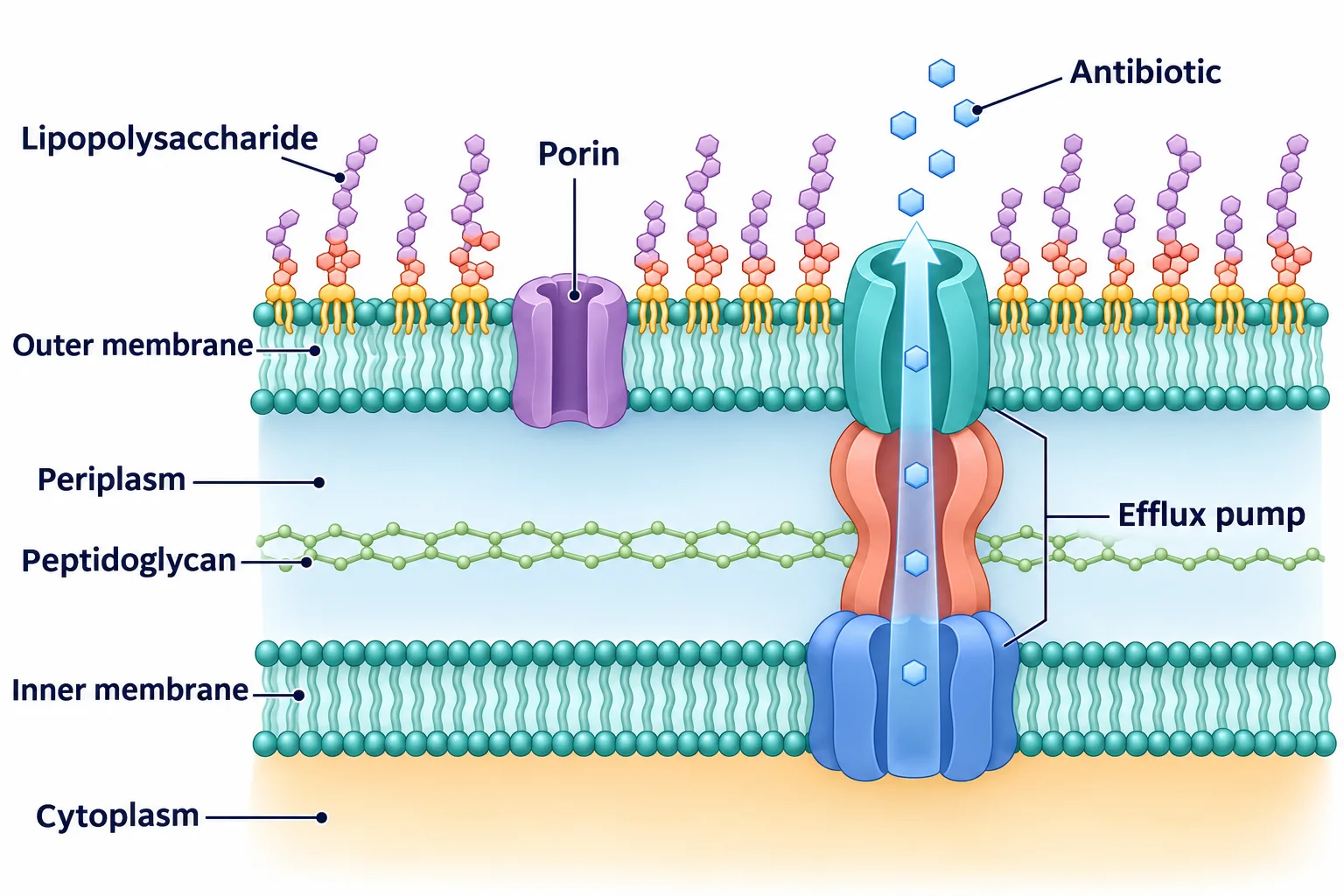
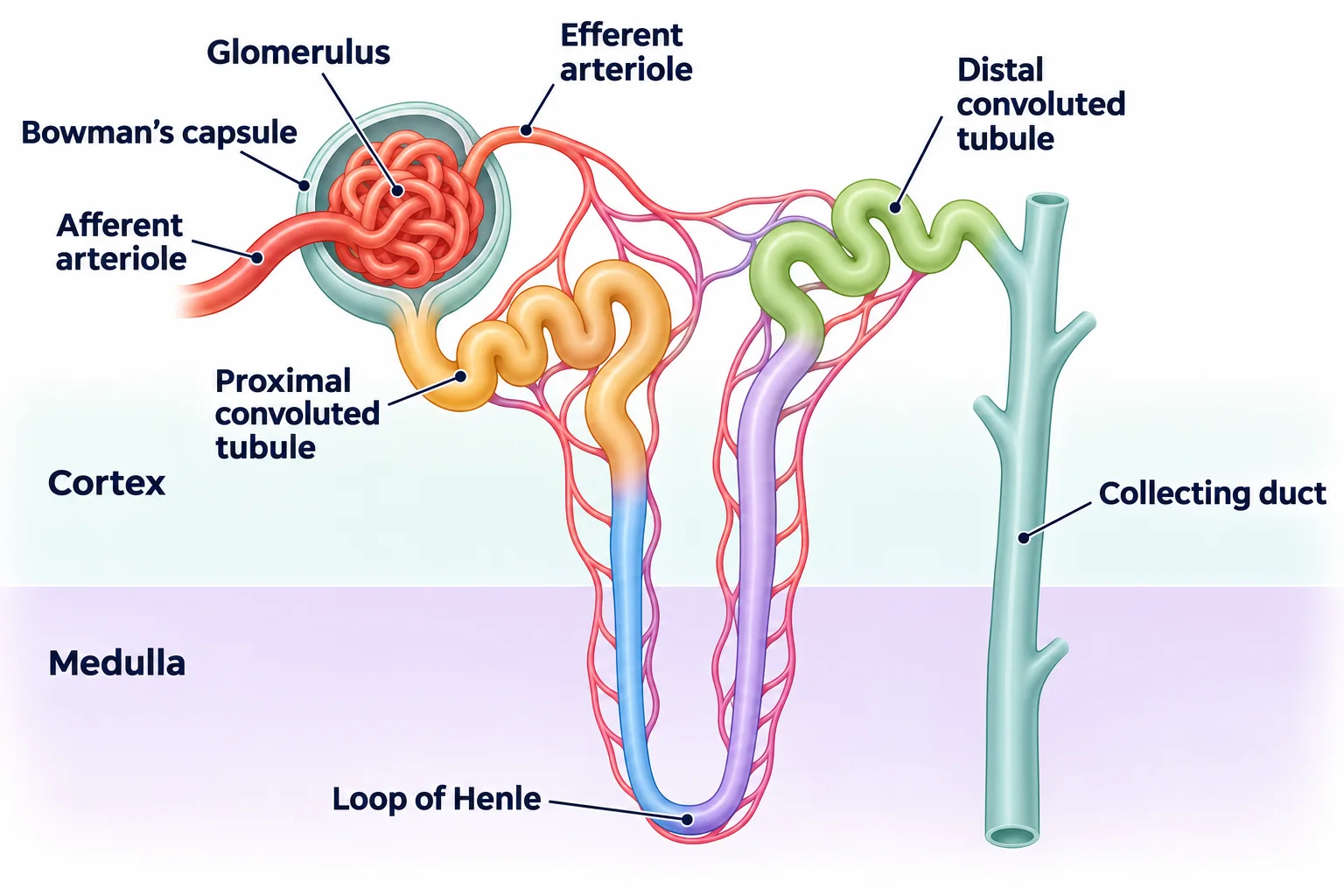
Sample images in the style you can expect: structures drawn to explain, labels with leader lines and a white background ready for a paper.
How to Create Images for Scientific Papers
Compare the gallery’s subject views before using a generator. A close view of a synapse needs room for labels near small features, whereas an overview of a tissue can use short labels around the edge of the image.
Inspect a labelled neuron diagramHow to Format Scientific Journal Images
Estimate how much space the image will have on the page and account for that width in your layout. When a source image is too dense at column size, move detail to another panel or simplify the label hierarchy.
Draft a medical illustration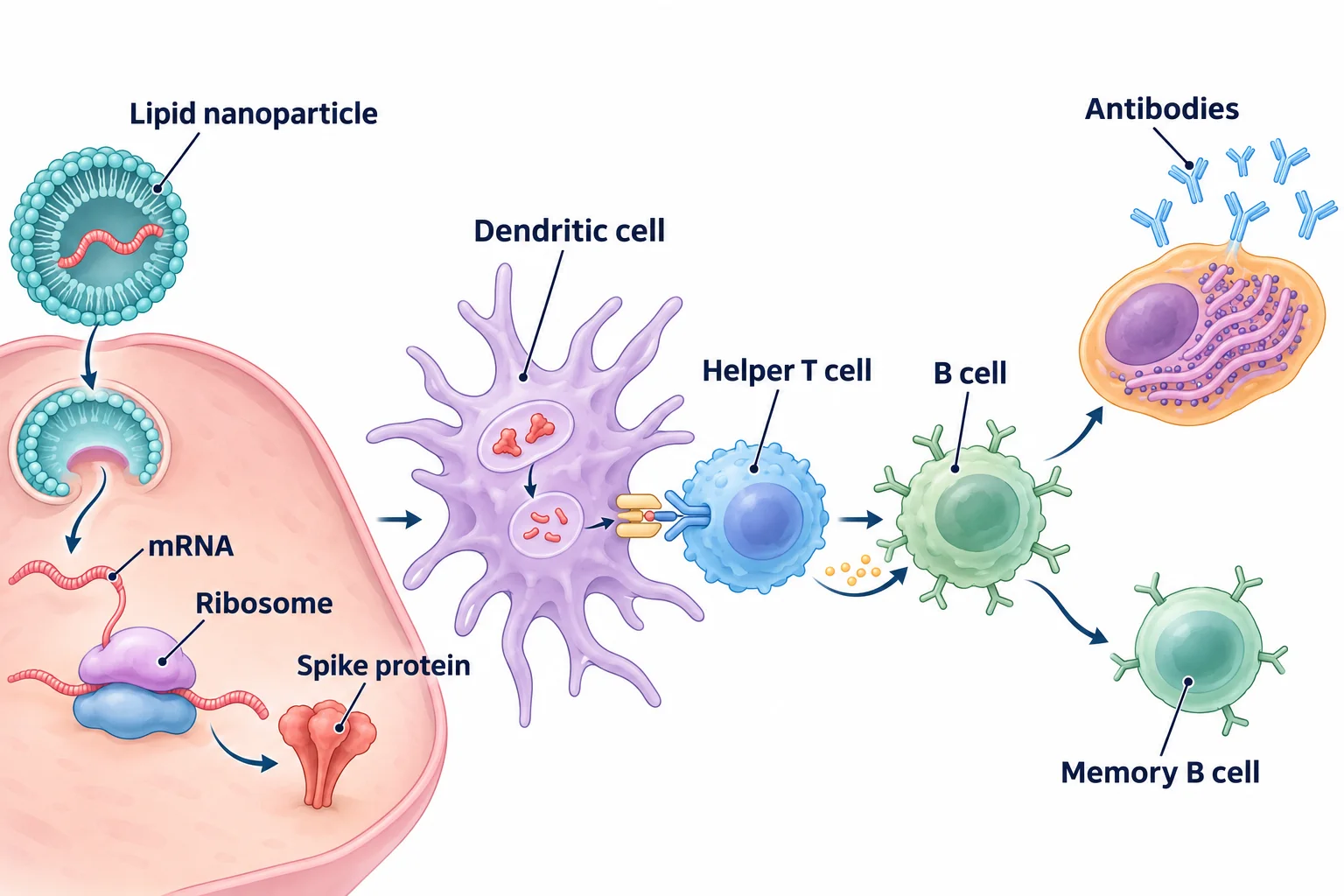
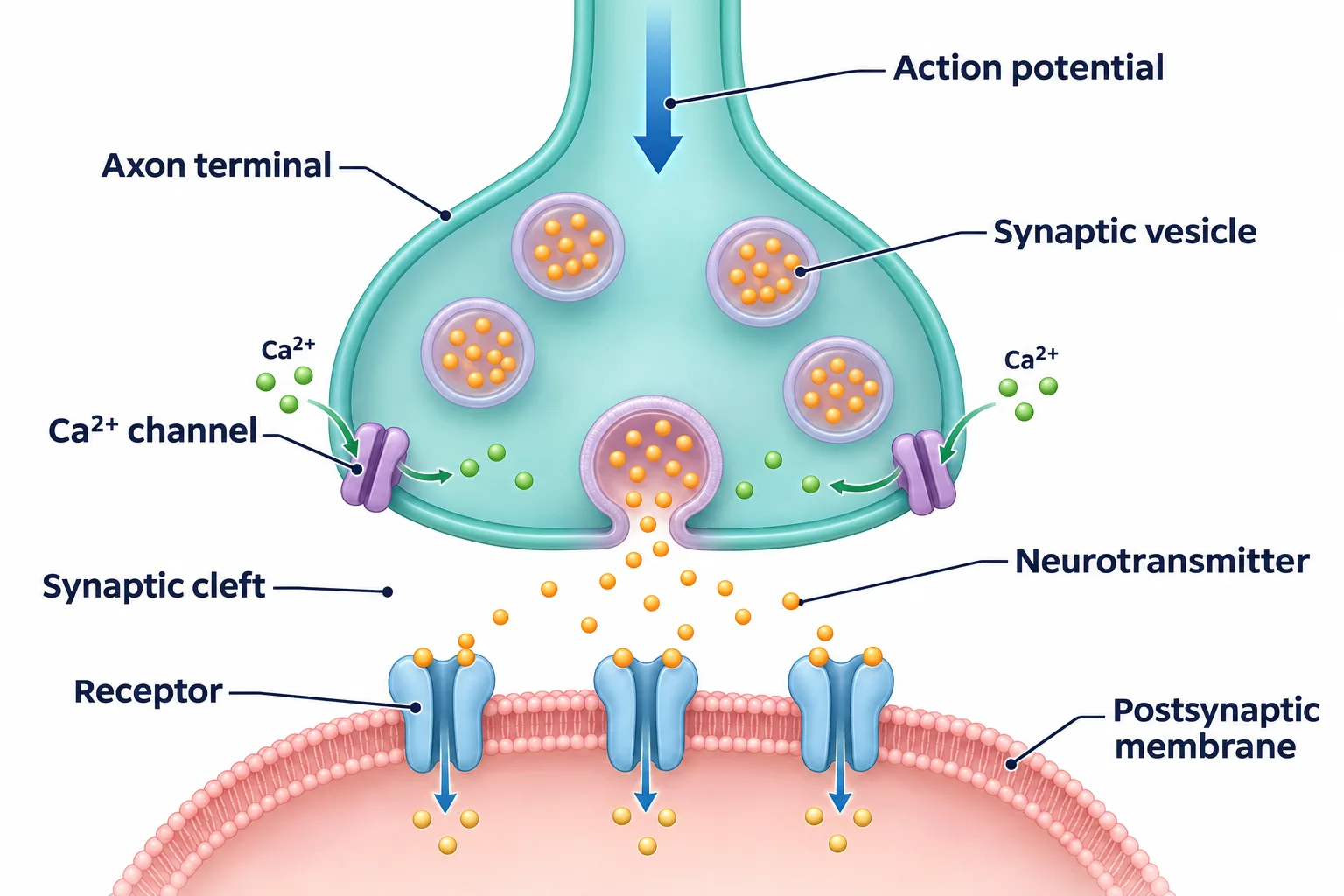
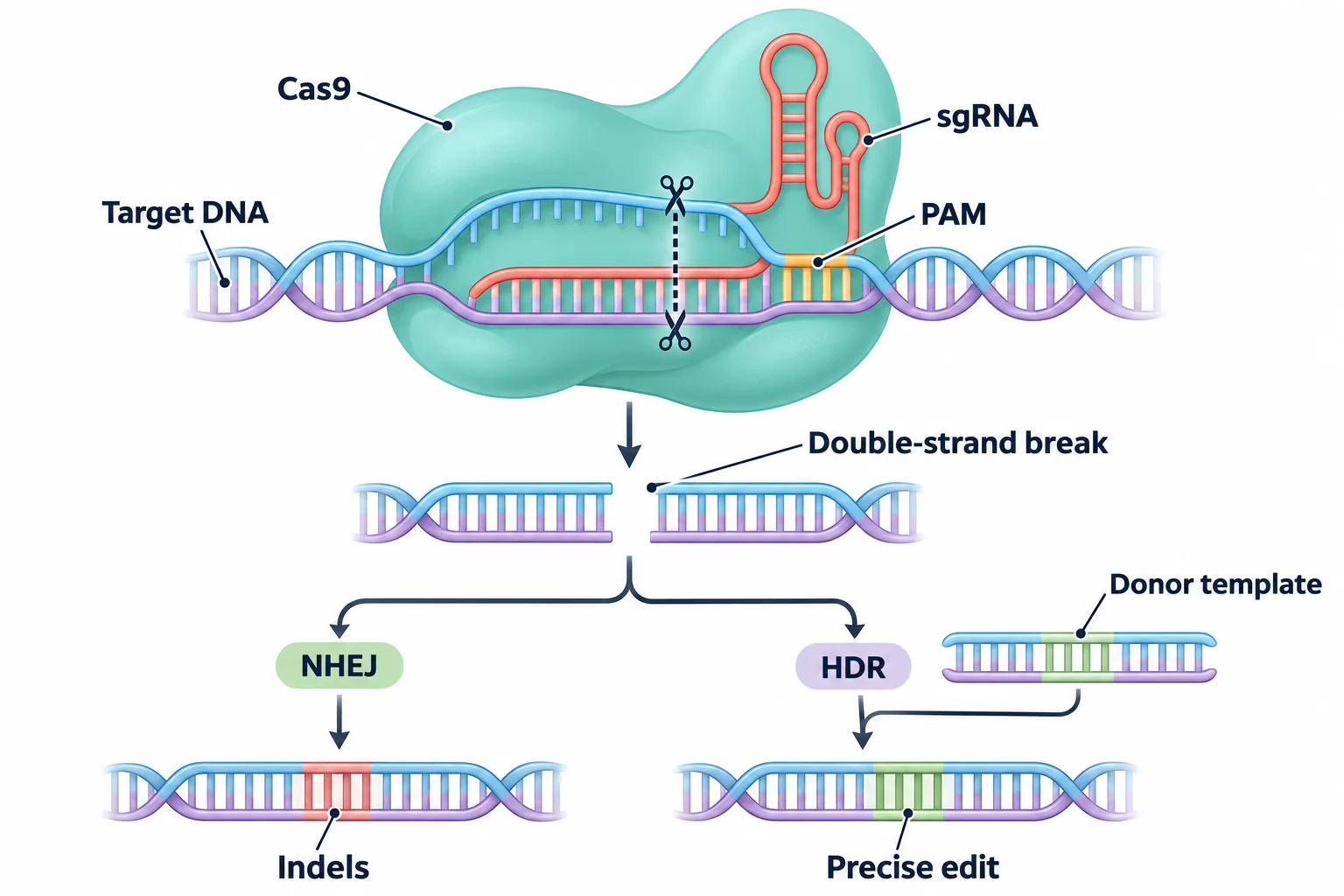
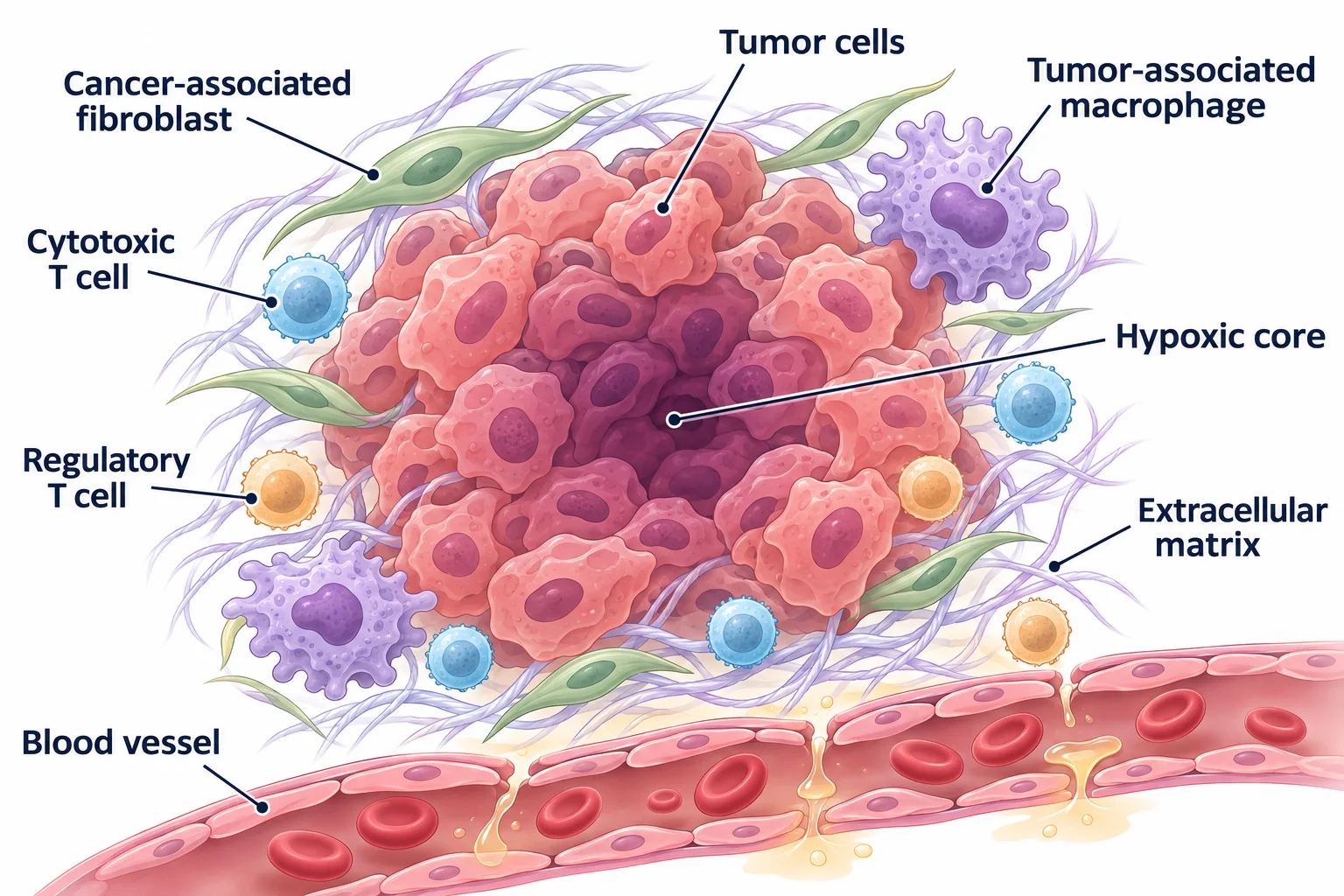
Why Use Our AI Scientific Image Generator?
The steps that make an image usable in a paper are part of the workflow, not an afterthought.
An AI Image Generator for Scientific Paper Drafts
You review the planned elements and the exact label text before any credits are spent. Give the draft a clear boundary, such as a single cellular compartment or a specific stage in a process. That focus helps you judge details against one set of references before adding neighboring structures.
Make a graphical abstractHow to Cite an Image in a Scientific Paper
After generation every label is read back, compared with the plan and suspicious terms are flagged. The label check can help locate differences from your plan. For adaptations, keep a separate record of where the underlying structure or design came from so you can credit it appropriately in the caption.
Explore scientific color palettesHow to Create Images for Scientific Papers at the Required Size
Generate at up to 4K and export at 300 or 600 dpi, or as SVG and PPTX for slides. Check the sharpness of the smallest text before uploading the file. A workspace can supply an export at the requested resolution, and it is worth checking the artwork at its actual size to see where extra space is needed.
Check image DPIHow to Generate a Scientific Image in 3 Steps
Works for single structures, mechanisms and whole processes.
- 01
How to Make Scientific Images from a Description
Write what must be shown and which labels you need, or upload a sketch. Tell the generator whether the camera view is a cross-section or a surface view. Mark what must remain visible if one object sits in front of another.
Map a research methodology - 02
How to Cite Images in a Scientific Paper and Keep a Source Record
Correct any term in the plan and choose a style preset, then generate. Choose labels that agree with the manuscript, then approve the plan. Read the planned label list alongside the relevant paragraph to catch inconsistent names before generation.
Compare scientific figure workflows - 03
How to Format Scientific Journal Images Before Export
Check flagged labels, edit what you need and export for your paper or slides. After the generator has drawn the draft, inspect all annotations and confirm the image can be read at the planned size. Keep the inter-panel spacing consistent when you combine multiple exports.
Read the Nature figure guidelines